File Formats
File format is the container your artwork comes in. A vector file - .ai, .eps, .pdf - is the safe default for a logo or text because it stays sharp at any size; a raster file fits photos. Send vector for shapes and logo, raster for photo.
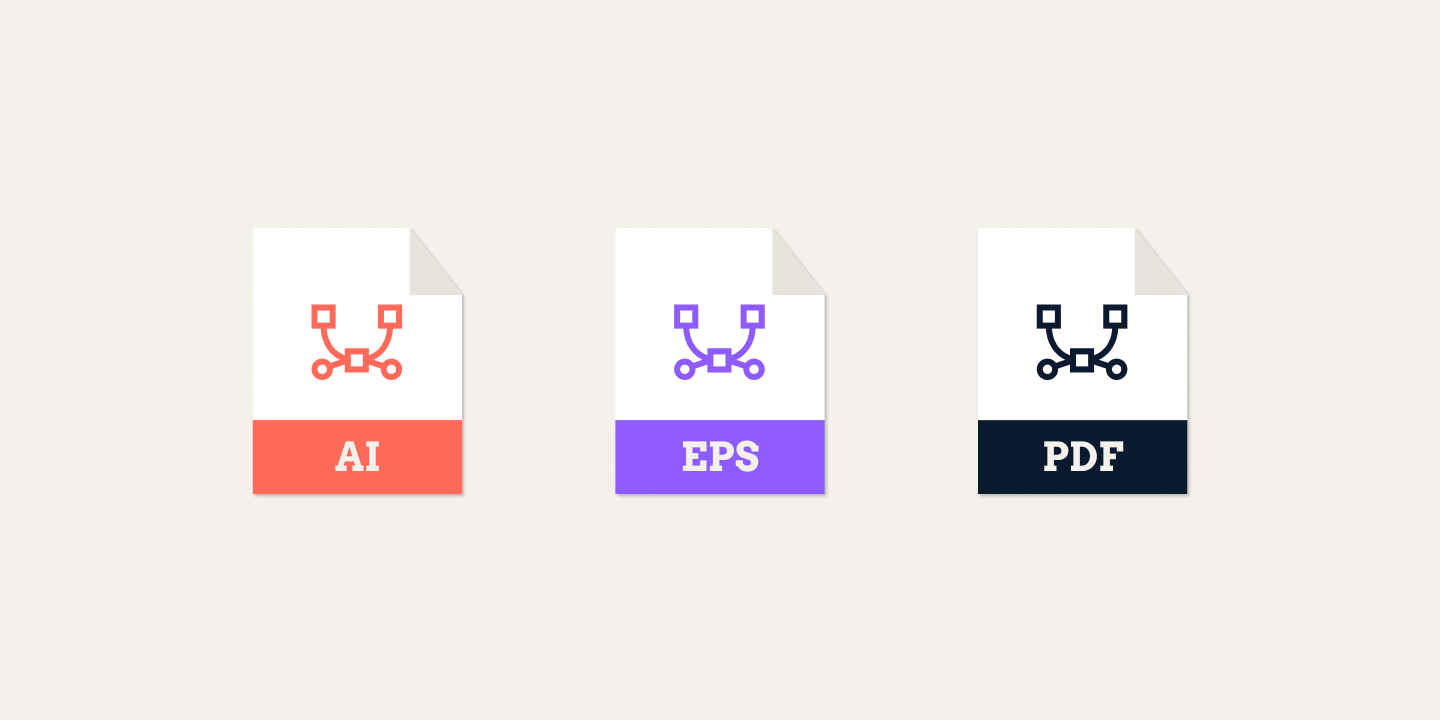
Intro
File format is the container your artwork comes in, and it's where the words "vector" and "raster" get practical. This is the plain-language answer to what file a print shop actually wants, and why a vector file is still the safest default for a logo.
What the formats are
Vector formats - .ai, .eps, .pdf, .svg - store artwork as math: lines, curves and fills. Because the file remembers the shapes as instructions, it prints sharp at any size. This is why a logo designed as a vector always prints crisp, whether it goes on a pen or a poster.
Raster formats - .png, .jpg, .tiff - store artwork as a grid of pixels. Photos are raster by nature. A raster file needs enough pixels at the final print size - roughly 300 DPI - to print clean, and it does not scale up well.
A vector logo saved out as a small 72-DPI raster image prints soft when it's enlarged to fit a product. The art is right; the file is wrong.
Which file to send
- Vector for a logo, text and shapes -
.ai,.epsor.pdf. Any size, always sharp. - Raster for photos -
.png,.jpgor.tiffat around 300 DPI at final size.
The honest default: send vector where the item is shapes, text or a logo, and send raster at 300 DPI where it's a photo. When you're unsure, a vector file beats a raster one for a logo.
How SoMerch fits in
The file check at intake looks at the format and the DPI together: vector for a logo and shapes, raster with enough resolution for a photo. We flag the right file before we produce, so the item comes out crisp rather than soft.
The short version
Print shops want vector for a logo and raster for a photo. Send your logo as .ai, .eps or .pdf, and photos at around 300 DPI. We check and confirm the right format before we print.