UV Printing
UV printing is how full-color artwork gets onto hard items - drinkware, power banks, desk accessories, pens. The design prints directly on the surface and cures with UV light, holding fine detail at 300 dpi. It is the technique for photo-real grids and gradients on items apparel cannot cover.
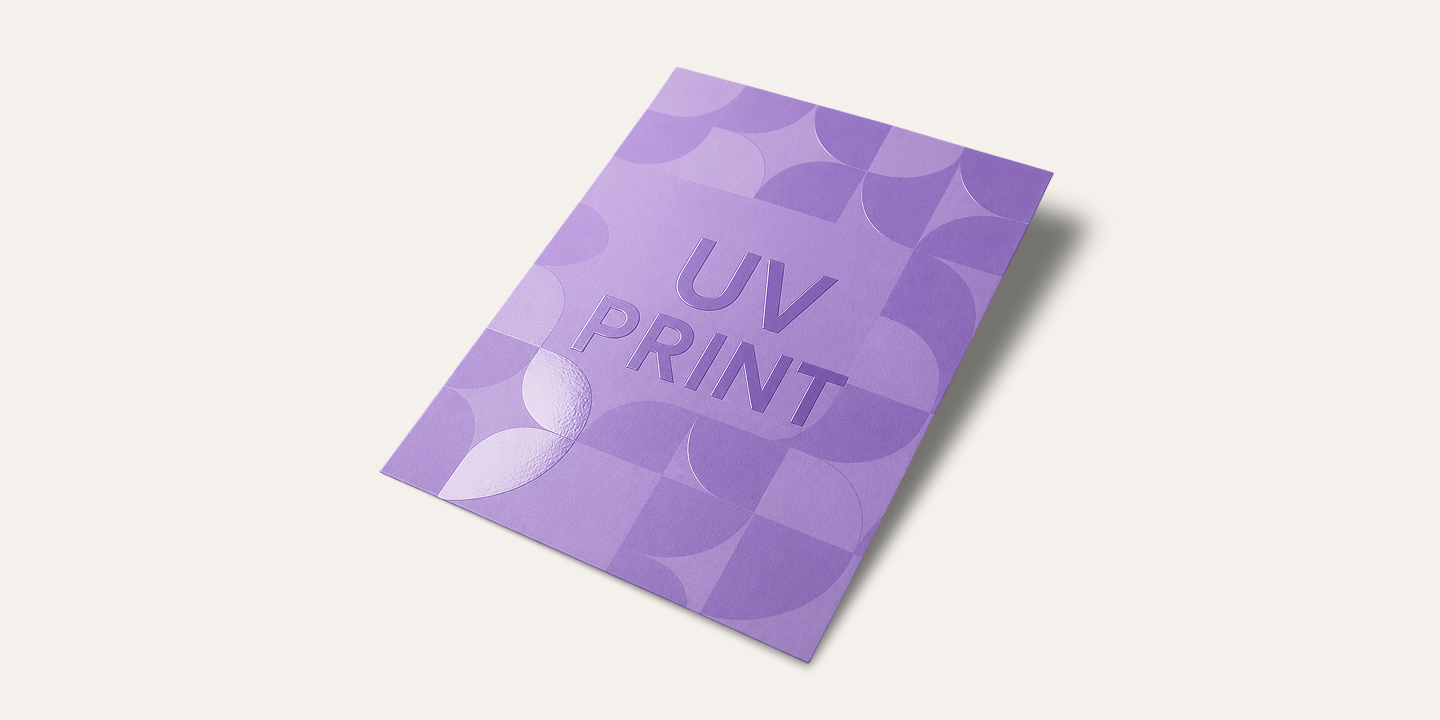
What UV printing is
UV printing is the closest thing to a full-color printer for the hard side of merch. The design prints directly onto the surface of an object and is cured instantly by UV light as the printhead moves. It is the technique that puts colorful artwork on items that are not fabric: bottles, mugs, power banks, notebook covers, pens, desk accessories, and most small hard goods.
For SoMerch it is the default full-color route for hard items - the same role digital transfer plays on apparel. If you have seen a company bottle or mug with a vivid, detailed logo or a photo-like motif, there is a strong chance it was UV printing.
What UV printing does well
- Full color, directly on the item. CMYK printing with no per-color setup cost - gradients, photo detail and multi-color logos all print in a single pass.
- Holds detail in small formats. Because it prints like a small-format printer, it keeps fine lines and small text that other techniques struggle with - well into the range where it stops mattering to the eye.
- Works on the objects people actually carry. Bottles, mugs, pens, tech accessories, hard cases, bottle openers, coasters. If it is hard and reasonably flat, UV printing is in play.
Where UV printing stops
The item needs a flat-ish surface. The printhead prints on the surface it can reach - gentle curves work, but items with deep profiles or objects that cannot sit flat are not candidates. That is why the honest answer for very uneven or oddly shaped hard items is often different: see the laser engraving page when the brief is a clean single-color mark instead of a full-color image.
Photos need resolution. For photographic artwork the file should carry real resolution - 300 dpi at print size as the practical standard. A low-res image pulled from a website will not look better just because the printer can do detail; garbage in, garbage out, as with any printing.
What to send
A vector file when the artwork is a logo or line art - clean, scalable, no fonts left live (curves, please, per the vector vs raster rule). A raster file at 300 dpi at final print size when the artwork is a photo or rich gradient. Both are accepted; the rule is: artwork that will not blur lives in vector or high-res raster.
When to choose UV printing
Choose UV printing when the item is hard, the artwork is full color or detailed, and the quantity is small to medium - the economics of direct printing make it the easiest full-color route for custom drinkware, tech gifts, and desk items. Paper and cardboard items (notebooks, planners) print beautifully this way too.
The operational side stays simple: standard production around 8 business days, 48-hour fast-track on selected items, printed and QA'd in-house, with a mockup before production.
The short version
UV printing is full-color printing for the hard side of merch - the bottle, the mug, the power bank, the pen. Direct CMYK print on the surface, cured by UV light, detail down to 300 dpi. Flat-ish surface required, and the file needs to be as sharp as the result you want.